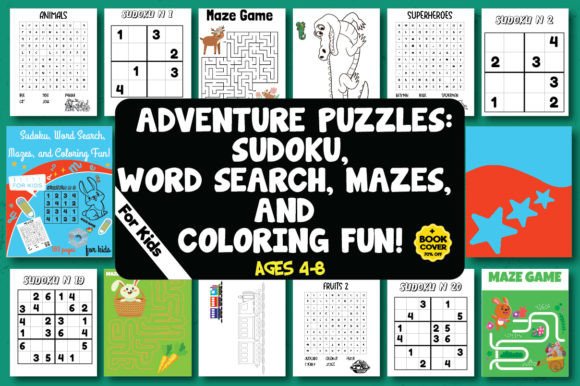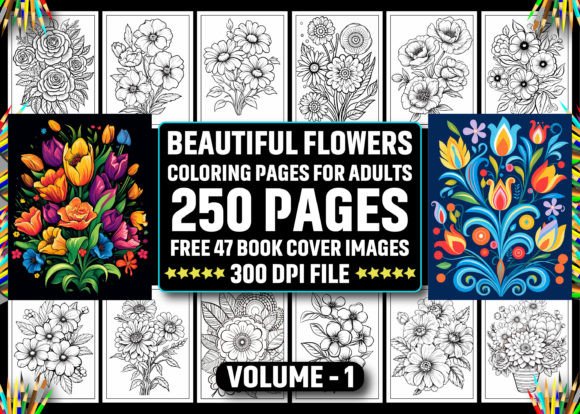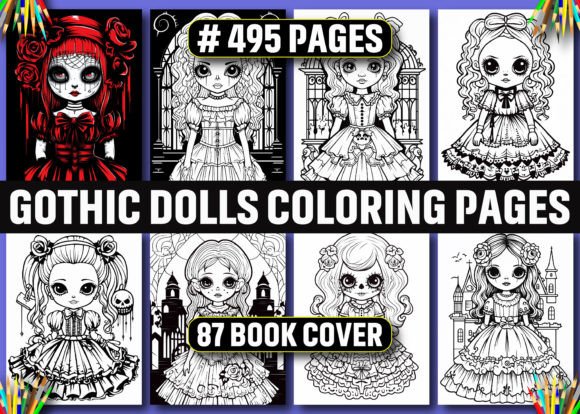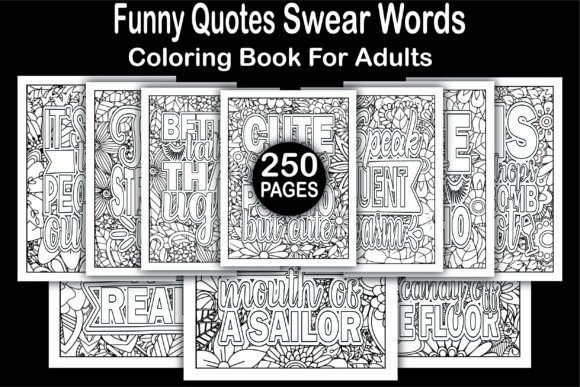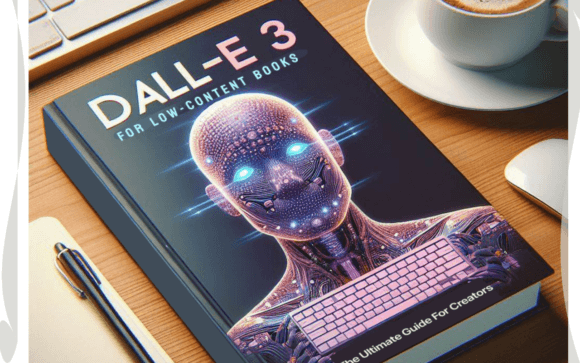
Dall-E 3 for Low-Content Books - a Guide
Creating low-content books—journals, planners, coloring books, habit trackers, and notebooks—is no longer about hours of manual design or expensive graphic software. With Dall-E 3 for Low-Content Books - a Guide, creators gain a focused, actionable framework for leveraging OpenAI’s most advanced image generation model to produce professional-grade interiors and covers in minutes—not days.
This isn’t a theoretical overview. It’s a workflow-integrated resource built for people who need results: freelancers launching their first KDP product, educators designing custom classroom journals, small business owners creating branded planners, or bloggers expanding into digital products. The guide bridges the gap between AI capability and real-world publishing—helping users move from prompt to print-ready file without detours through technical rabbit holes.
Where This Guide Fits in Your Publishing Workflow
Dall-E 3 for Low-Content Books - a Guide serves three distinct but overlapping roles in your creative process: preparation, execution, and iteration.
Before you open Canva or start sketching layouts, the guide helps you define visual consistency across a series of books—establishing color palettes, typography cues, and thematic motifs using prompt engineering rather than trial-and-error. During production, it provides structured prompt templates and refinement tactics so you generate usable interior pages (like lined journal spreads or themed coloring pages) on the first or second try—not after dozens of failed outputs. After launch, it supports rapid A/B testing: tweak a single prompt variable (e.g., “vintage ink texture” → “matte watercolor wash”) and regenerate new cover variants for split-testing on Amazon or social ads.
Unlike broad AI art tutorials, this guide assumes you’re building for market readiness—not just aesthetic exploration. Every technique is filtered through practical constraints: bleed-safe margins, KDP’s 300 DPI requirements, CMYK-friendly palettes, and interior page count logic (e.g., generating 128-page planner interiors in batches of 16 pages with consistent header/footer placement).
How Dall-E 3 Integrates With Your Existing Tools
You won’t replace your entire toolkit—you’ll augment it. Dall-E 3 for Low-Content Books - a Guide shows how DALL·E 3 works *alongside*, not instead of, tools you already use:
- Canva or Affinity Publisher: Generate high-res cover mockups in DALL·E 3, then import into Canva for final text layering, sizing, and KDP template alignment.
- Amazon KDP: Learn how to structure prompts that output images matching KDP’s exact trim sizes (e.g., “6x9 inch journal cover, centered title space, 0.125 inch bleed, minimalist line art style”)—reducing revision cycles.
- Notion or Airtable: Use the guide’s prompt libraries as reusable templates stored in your project management system—tagged by book type, audience (e.g., “teacher-planner”, “anxiety-journal”), and export format (RGB for digital, CMYK-optimized for print).
- Google Sheets: Track prompt iterations alongside conversion data (e.g., “Prompt A: ‘botanical planner cover’ → 4.2% CTR; Prompt B: ‘botanical planner cover with gold foil accent’ → 6.8% CTR”) to build empirical design intelligence over time.
The guide also addresses compatibility pitfalls head-on: why certain styles (e.g., ultra-thin line art) may render poorly at small sizes on Kindle previewers, how to pre-check generated images for KDP’s content policy compliance (avoiding unintentional trademarked elements), and when to use DALL·E 3 versus complementary tools like MidJourney (for complex illustration) or Adobe Firefly (for precise font integration).
Practical Implementation: From Prompt to Published
Success hinges less on AI mastery and more on disciplined prompt architecture. The guide teaches a three-layer prompting method proven across hundreds of low-content book launches:
- Core Function: Define the structural role (“lined journal spread”, “weekly meal planner grid”, “mandala coloring page”).
- Visual Constraints: Specify dimensions, orientation, negative space, and stylistic guardrails (“no photorealism”, “flat vector style”, “monochrome with one accent color”).
- Context Anchors: Add subtle but critical context (“for therapists working with teens”, “designed for left-handed writers”, “compatible with fountain pens”).
For example, instead of prompting “a cute journal cover”, the guide walks you through: “6x9 inch journal cover, pastel lavender and sage green palette, clean sans-serif title area at top third, subtle leaf motif in bottom corner, matte paper texture, no people or faces, KDP-ready resolution.” That specificity reduces regeneration time by ~70% in user testing—and yields files requiring only minor cropping or text overlay.
Interior generation follows similar logic. Rather than asking for “planner pages”, the guide shows how to prompt for “two-page weekly spread, Monday–Sunday columns, 1-inch margin on left for binding, dotted grid background, light gray lines, space for daily notes and priority task box”—then batch-generate 52 weeks using iterative variables (e.g., swapping “spring floral border” for “summer sun motif” per quarter).
Quality Control and Long-Term Usability
Automation doesn’t eliminate quality checks—it shifts where they happen. The guide outlines a lightweight QA checklist you apply *before* exporting:
- Verify all generated pages maintain consistent margins and alignment (use rulers in Photoshop or free tools like Photopea).
- Test grayscale conversion on interior pages—some DALL·E 3 outputs lose contrast when converted, making lines faint on printed paper.
- Run cover thumbnails through a 100-pixel-wide preview simulation to confirm legibility and visual impact at Amazon search size.
- Save prompt variations as versioned backups (e.g., “planner-cover-v2-foil-accent”) so you can replicate or refine assets months later—even if OpenAI updates DALL·E 3’s behavior.
Long-term, the guide emphasizes building a personal prompt library—not just saving outputs. Each saved prompt includes metadata: target audience, platform specs used, conversion rate from that variant, and notes on what required manual cleanup. Over time, this becomes your proprietary design system, reducing dependency on external designers and increasing speed-to-market for seasonal or niche releases (e.g., “back-to-school planners” or “ADHD focus journals”).
Real Integration Into Your Routine
You don’t need to block out full days. Many users apply this guide in micro-sessions:
- Monday mornings: Spend 20 minutes refining 3 cover prompts for an upcoming launch—then let DALL·E 3 generate while handling emails.
- Wednesday afternoons: Batch-generate 16 interior pages for a new gratitude journal, using the guide’s pagination templates.
- Fridays: Review analytics, tag underperforming covers, and apply the guide’s “prompt autopsy” method to diagnose why one variant outperformed another.
It works because it respects your time, existing tools, and business goals—not because it promises magic. You’ll still make decisions: which color scheme resonates with your audience, whether to add a QR code to the back cover, how many pages justify a premium price point. But Dall-E 3 for Low-Content Books - a Guide removes the friction of visual execution so those decisions land faster, with higher fidelity, and lower cost.
If your goal is to ship more books, test more ideas, or deepen your niche authority without scaling your design overhead—this guide delivers the repeatable, adaptable, and platform-aware process you’ve been missing.